
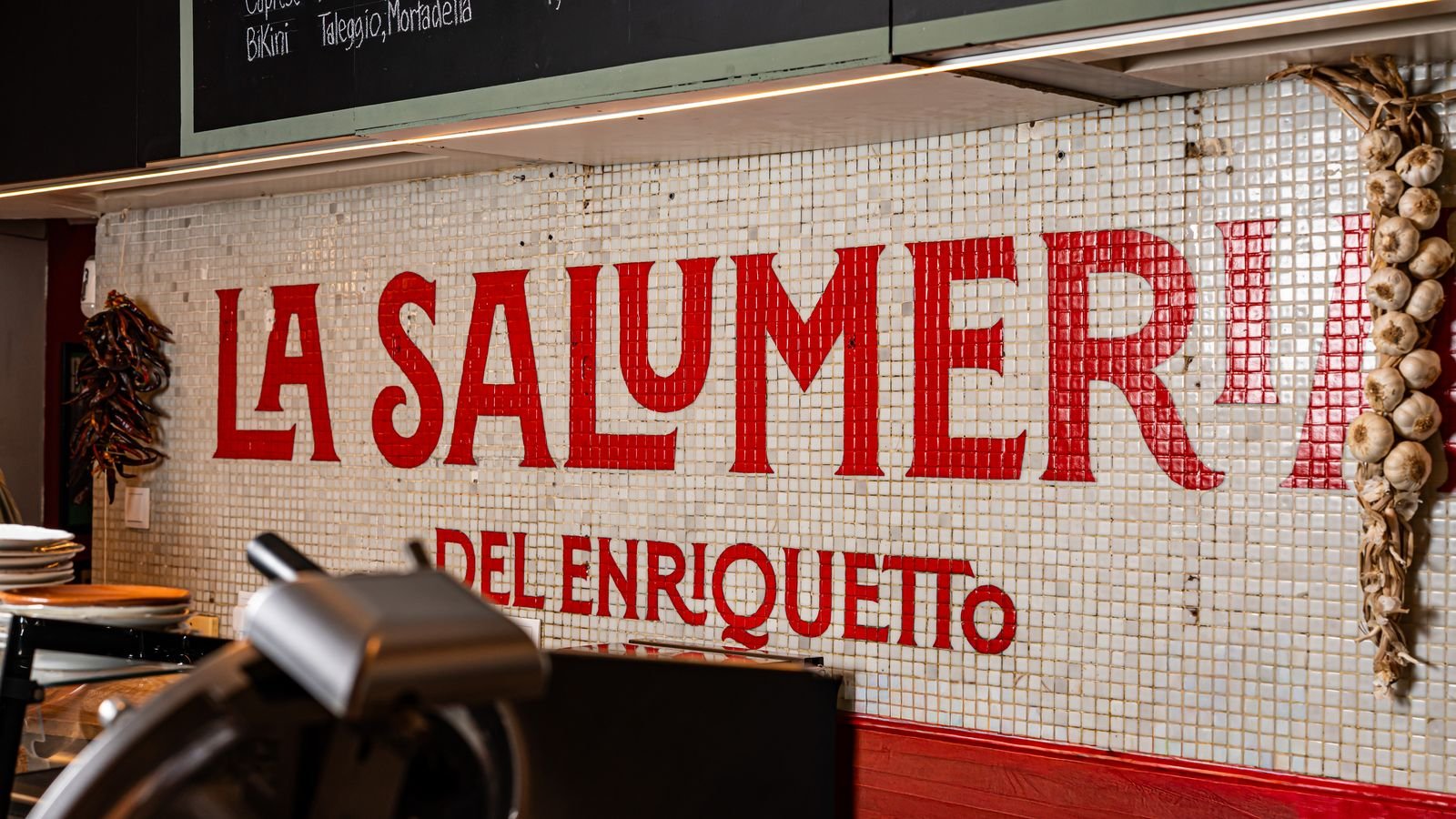
In short: A restaurant's Google Business Profile is the place where most people decide whether they're coming or not, and the one most restaurants leave half done. Across 40 restaurants we run, 87% of the actions that come out of an ad are directions requests, and they land on the listing, not the website. This is the complete checklist, in the order we go through it when a new client comes on board: name and category, opening hours including bank holidays, the menu as text, your own recent photos, a book button, posts and Q&A, reviews answered, and what to look at in the report. Each item takes under an hour and none of them costs money.
The Google listing (formerly Google My Business, now Business Profile) is the shop window most people see and the one fewest people look after, because it doesn't resemble anything else: it isn't a website, it isn't a social network and nobody built it. It usually exists because Google created it on its own, with opening hours someone entered in 2019 and a photo of the front taken from a car. And yet, when someone searches 'where to have dinner' at eight in the evening, it's the only thing they see: a map with three listings. If yours is half done, everything else (the ads, Instagram, the website) is working for a broken shop window.
Primary and secondary categories: 'Italian restaurant', not 'restaurant'
The first thing Google looks at to decide whether to show you to someone is the category. Plain 'restaurant' competes with every place in the neighbourhood; 'Italian restaurant', 'pizzeria' or 'tapas bar' puts you on the shortlist of whoever is searching for that. The primary category is the thing people come to you for most; the secondary ones (up to nine) are the other things you genuinely are: 'wine bar', 'restaurant for groups', 'restaurant with terrace'. What you aren't, no: a listing with 'café' because you once did breakfasts shows up in searches that bring you nobody.
And the name: the one on the door, nothing more. Tacking a descriptor onto the name ('Restaurant name | Authentic Sicilian cuisine') is tempting and doesn't work: at a restaurant we run, Google trimmed it on its own and left only the brand, and in the meantime the listing sat under review. What your name should say and what it shouldn't is a branding matter and will get its own article: branding for restaurants.
Opening hours, including bank holidays and the summer schedule
The most common mistake and the one that produces the most one-star reviews: the listing says you're open and you're closed. There are three sets of hours to keep up, not one:
- The regular ones, by day of the week, with the two services listed separately if you close between lunch and dinner. 'Open 13:00 to 23:00' when you close from 16:00 to 20:00 brings people at six to a shutter that's down.
- Bank holidays, one by one, in advance. Google asks you about them before every long weekend; answer. A 'may be closed' on the listing on the day of the local fiesta is a lost table.
- Seasonal hours: the terrace in summer, the August closure, the Christmas one. They can be scheduled with a start and end date; no need to remember the day before.
And the hours have to be the same on the listing, on the website and on Instagram, in the same format. Google compares, and when they don't match, it distrusts all three. One detail that explains why this matters so much: people don't book while they're eating. At a restaurant we run, the best time of day for booking clicks is six in the evening, and the place opens at half past seven. The listing works while you're closed.
The menu as text inside the listing, not just a PDF
The listing takes a structured menu: sections, dishes, prices, a description and a photo per dish, in more than one language. It's the one Google shows when someone searches 'squid rice' or 'where to eat gluten-free', and the one the phone's assistant reads out loud. The PDF you uploaded to 'menu photos' is no use for that: it's an image, and Google doesn't search inside it.
It takes an afternoon the first time and ten minutes with every menu change. At a place we run, the listing's menu has 68 dishes in 12 sections, in two languages, with prices; when the price of oil goes up, you change one number and that's it. What not to do: leave the 2023 menu up because 'nobody looks at it'. Google looks at it, and shows it with the old prices to whoever then complains in a review.
Your own recent photos: how many and of what
The listing has the photos the owner uploads and the ones customers upload, and Google shows the ones with the most clicks first, not yours. So the only way to make sure your listing's cover is the one you want is to have your own photos, better than the customers' and recent. What you need, in this order:
- The front by day and by night, so people can find you. It's the photo Google uses most often.
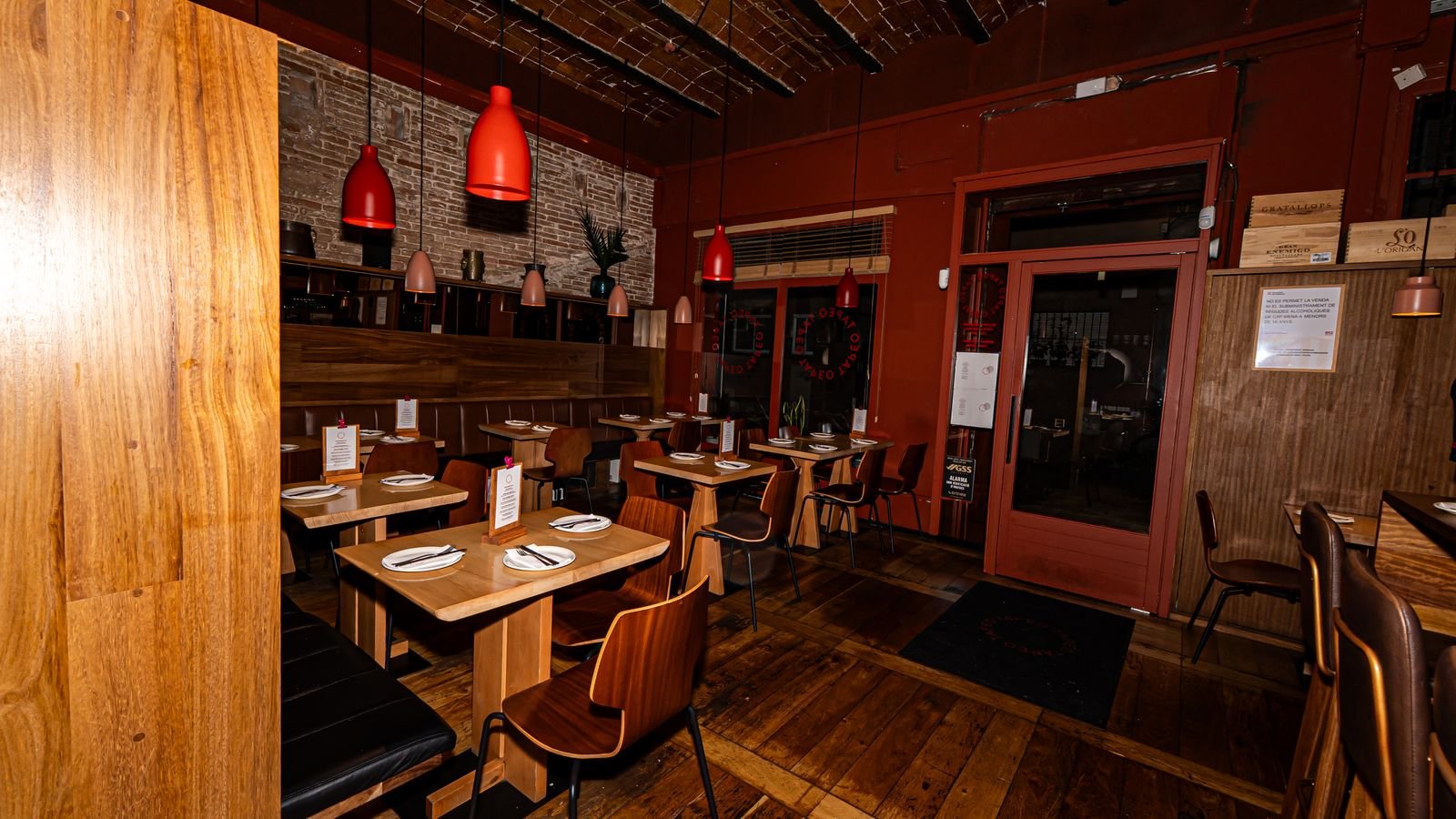
- The dining room during service, with people in it and nobody posing: it's what people open to see 'what it's like'.
- Five or six dishes, the most ordered ones, in the restaurant's own light, not studio light.
- The team, at work. A listing with faces gets more bookings than a listing with dishes alone.
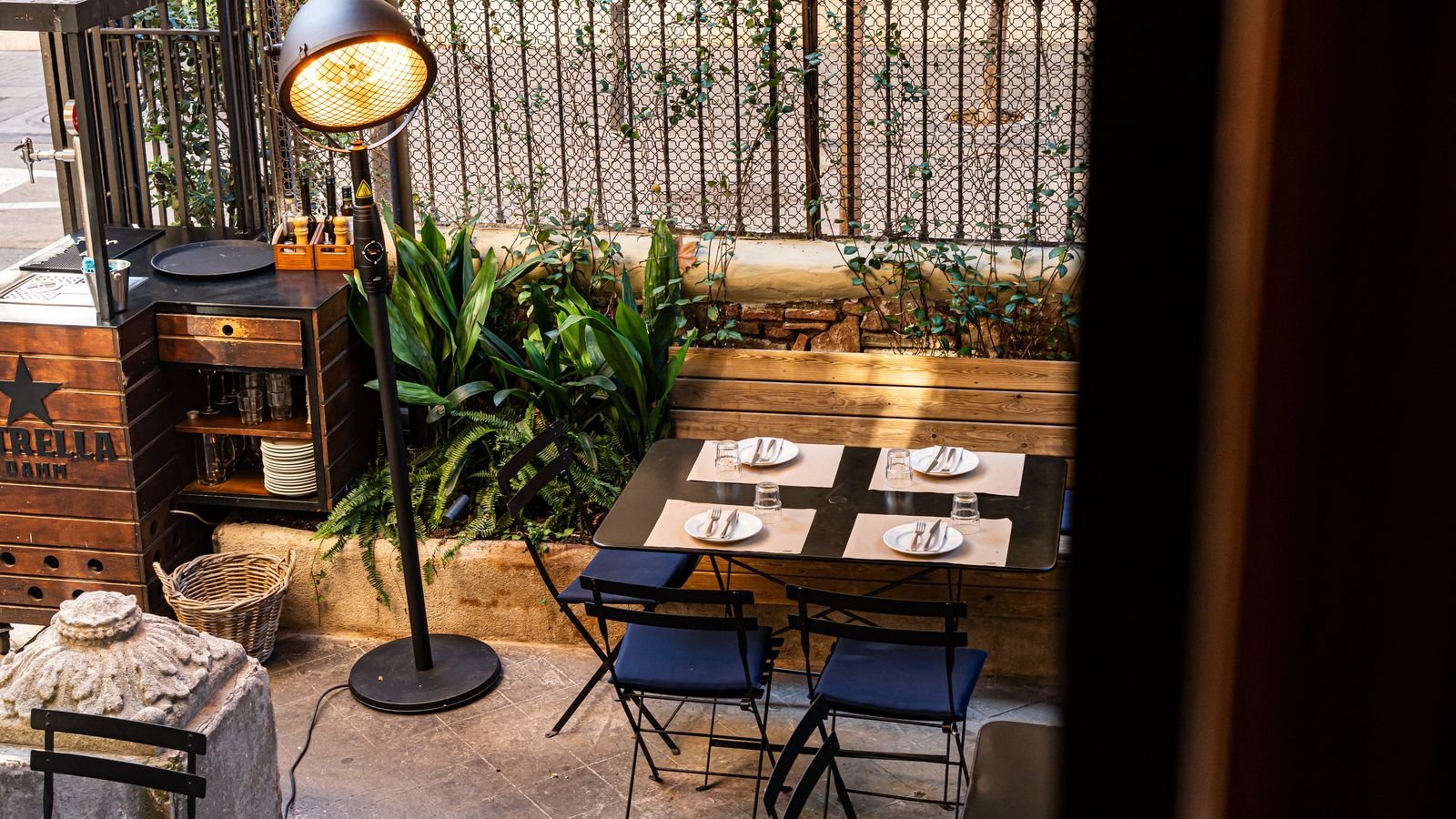
- One new photo every week, of whatever there is: today's dish, the terrace with the heaters, the chalkboard. Not for the photo's sake, but because Google rewards listings that keep moving.
All of this comes out of the same shoot that feeds Instagram and the website: food photography done once during a real service and used everywhere. A listing with stock photos, you can spot it from the moon, and on top of that Google recognises them.
A book button that works from a phone
The listing can carry a 'Book' button that opens your booking engine (TheFork, Restoo, CoverManager or your own), and, if the engine is integrated with Google, the booking happens without leaving the map. That integration is what produces the bookings Google calls 'made from the profile', and they're real bookings: at a restaurant we run we cross-checked them against its system and they match. If the button isn't there, people call (if you're open) or move on to the listing next door.
What to check, from a phone and not from a computer: that the button opens the engine and not the website's home page, that it asks for date, time and party size on one screen, and that it confirms instantly. If it leads to a 'booking request' form that someone answers tomorrow, you don't have online bookings. What the website needs so that route stays short is in websites for restaurants.
Weekly posts and Q&A
Posts on the listing are the section almost everyone ignores, and Google shows them beneath the opening hours to whoever is already looking at your listing: the dish of the week, the new menu, holiday hours, the event. One a week, with your own photo and two lines; the same photo that went into the reel. The problem isn't writing it, it's keeping it up: at one of our clients, the cadence broke twice, with four months left blank, despite having the calendars ready. The only thing that holds is scheduling them; where what gets posted each week comes from is in content strategy for restaurants.
And the Q&A: anyone can ask a question on your listing ('do you have gluten-free options?', 'can I bring my dog?', 'is there parking?') and anyone can answer, including a stranger who hasn't a clue. If you don't answer, the stranger does. The fix is to get there first: write the ten questions you get asked over the phone yourself and answer them from the restaurant's account. Google shows them, and people stop calling to ask the same thing.
Reviews: response rhythm and what to say
All of them answered, including the one from the gentleman who gave one star because it was raining. Not out of courtesy, but because whoever looks at your listing reads the replies to see how you treat people, and because Google includes it among its tips for ranking higher on the map. How to do it, with examples, is in how to respond to Google reviews of a restaurant; the short rules:
- Within a week, and ideally within two days. A reply to a review from a year ago gets read by nobody.
- Using what the person said: if they mention the rice or the terrace, the reply mentions the rice or the terrace. It's more human and ranks better than shoehorning in your keyword.
- Every reply different. A string of carbon-copy replies reads as automated, and Google reads it that way too.
- In the language of the review, whatever it is.
- In complaints, no marketing. Acknowledge the fact, don't promise what you can't keep, and invite them to write to the restaurant's email. Putting 'the best Italian restaurant in the Eixample' in a reply to someone who left badly served does more harm than it repairs.
And ask for them, naturally: the listing's short review link on the receipt, in the monthly email or on the QR code on the table. Never buy them or filter them with an app that only lets the good ones through: Google detects it and the listing pays for it.
What to look at in the report: directions, calls, website clicks
The listing has its own report (in the profile, under 'Performance') and it's the one that says the most about your business on Google, more than Analytics. What matters, in order:
| Metric | What it is | How to read it |
|---|---|---|
| Directions | People who asked for the route to your door | The closest thing to a visit there is. Compare it with the same month last year, not the previous one, and with a week's delay: Google keeps adding to it for several days |
| Calls | People who tapped the phone number from the listing | If they drop while bookings from the listing rise, that's a good sign: people book wherever it's least effort |
| Bookings | Bookings made from the profile, if the engine is integrated | They're real bookings; cross-check them against the restaurant's booking system once to confirm it |
| Website and menu clicks | People who wanted to see more | If there are lots of website clicks and few bookings, the problem is the website, not the listing |
| Searches that led people to you | What people typed before seeing your listing | If they find you by your name, you have a brand; if by 'Italian restaurant Gràcia', you have a category. Ideally both |
What not to look at: impressions (how many times you appeared). They go up and down with what Google does, not with what you do. How to work the listing to climb the map, beyond having it complete, is in SEO for restaurants, and the set of channels in which the listing comes first, in our guide to restaurant marketing. When the listing is immaculate, that's when it makes sense to pay for it to show up more: that's the moment for Google Ads for restaurants, not before.
The 87% of directions requests comes from 40 restaurants we manage at BL Gastro over thirteen weeks of summer 2026; the name trimmed by Google, the 68-dish menu, the time of the bookings and the broken cadence are cases from specific clients in 2026. They're our own data, not an industry average.
FAQ
Before you touch the listing
What is a restaurant's Google Business Profile?
The profile that appears on Google Maps and in search when someone looks up the restaurant or 'where to eat' nearby: name, category, opening hours, menu, photos, reviews and a book button. It used to be called Google My Business; now it's Business Profile. It's free and the restaurant owner manages it.
Can I put the type of cuisine or the neighbourhood in the listing's name?
No: the name has to be the one on the door. At a restaurant we run, Google trimmed the descriptor that had been added on its own and left the listing under review in the meantime. The type of cuisine goes in the category; the neighbourhood, in the address.
How many photos should a restaurant's listing have?
Order matters more than quantity: the front by day and by night, the dining room during service, five or six of the most ordered dishes, the team, and one new photo every week. Your own, recent and in the restaurant's light; no stock images.
Which metric in the listing's report matters most?
Directions requests: it's the closest thing to a visit that Google measures. In our accounts they're 87% of the actions that come out of an ad. Compare them with the same month the previous year and with a week's delay, because Google keeps adding to them for several days.